

Ready to use in 4 steps
A Pipedrive admin installs it from the Marketplace and answers 4 steps; once done, the score shows up on deals in the pipelines you chose.
You choose who uses it, where the score applies, what goes into it and how leaders coach. You can change everything later.
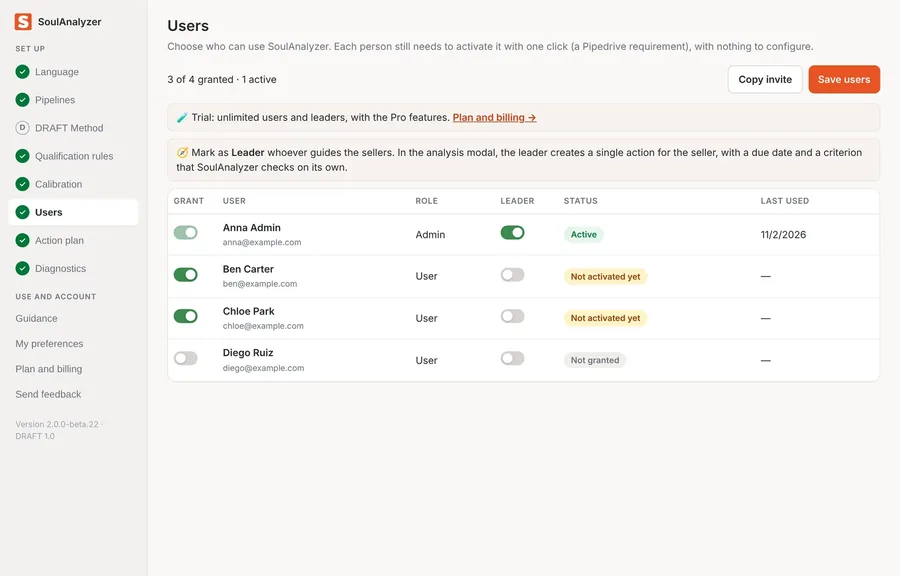
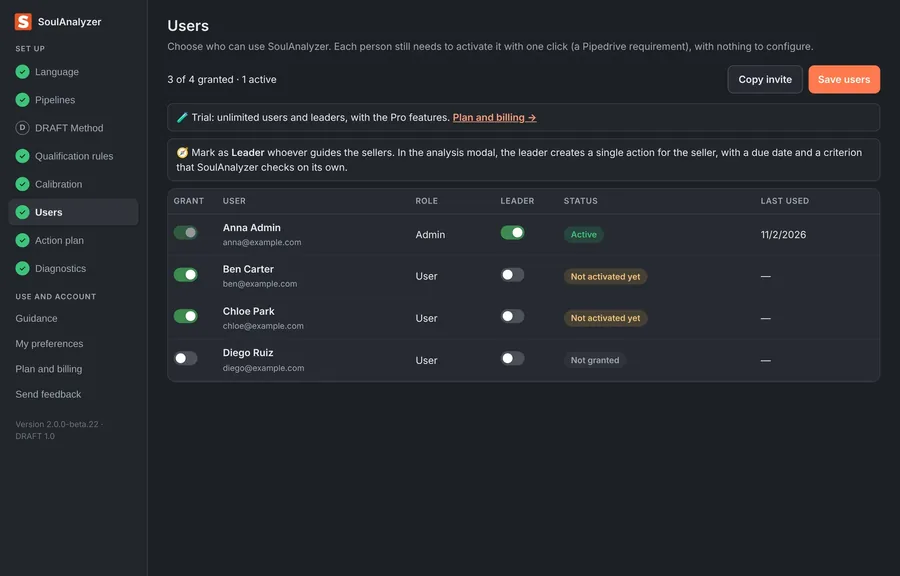
Four choices, one at a time
Who uses it, which pipelines, what matters in your deals and how leaders coach.
- Step 1
Choose who will use it
Turn on your sellers and mark who coaches as Leader. At the end, you choose who gets an email invite.
- Step 2
Choose the pipelines
Turn on the pipelines your team sells in. The score and guidance only appear on deals in those pipelines.
- Step 3
Say what matters in your deals
SoulAnalyzer looks in your Pipedrive for a field for each DRAFT Method question. Anything missing, it creates once you confirm. Only the Driver (D) is required.
- Step 4
Choose how leaders coach
Pick the activity type the seller receives the action plan in when a leader coaches a deal.
The score is already on every deal
Open any deal in the pipelines you turned on and see the score, the label and Focus now in the panel.
Whenever you’re ready
Two features help later, and neither is required.
Calibrate the score on your data
Compare the score with your wins and losses from the last 12 months.
Account diagnostics
A read-only check that your plan and permissions are in order.
Install and set up in 4 steps
60-day trial with every Pro feature, no card.